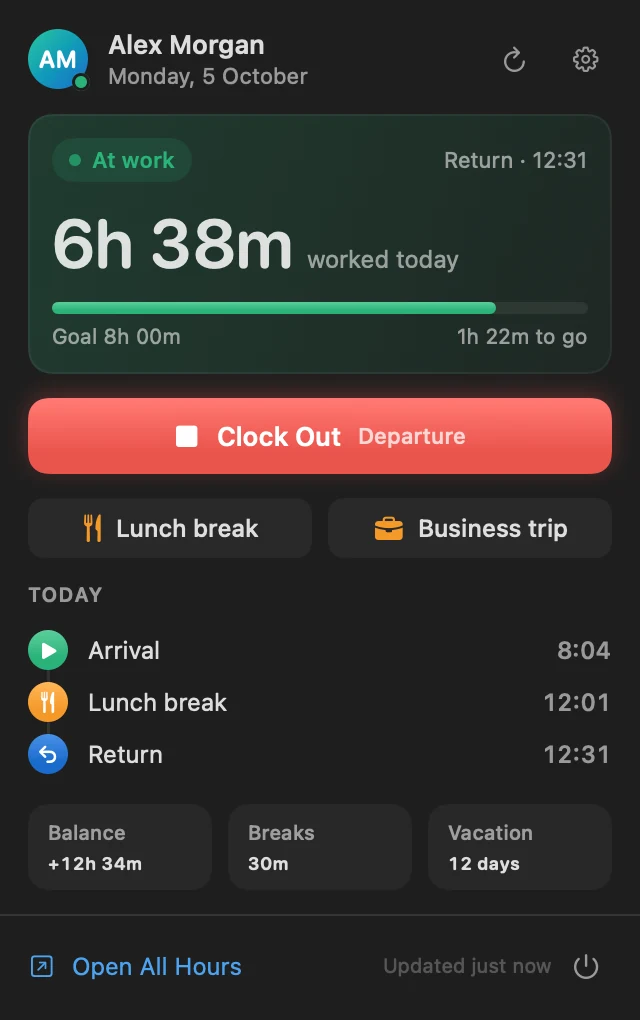
It keeps an eye on the clock for you.
Most missed clockings aren’t laziness. You sat down, started working and the browser tab was never opened. All Hours Bar sits where you already look.
- Reminder
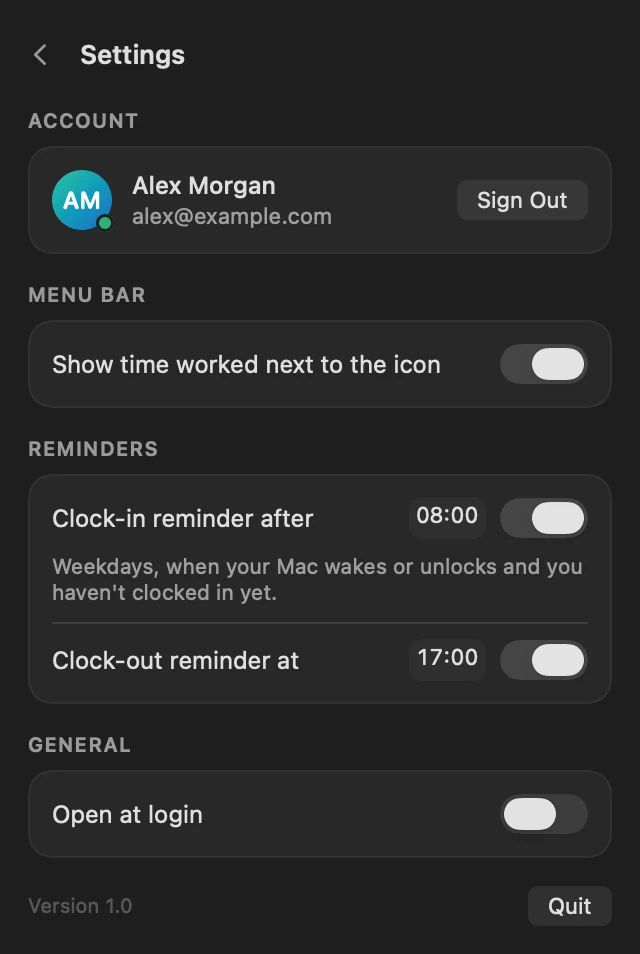
Your Mac wakes up. You haven’t clocked in.
On weekdays, the first unlock after your start time brings a notification with the clock-in button right in it.
- Clock in
One click from the menu bar.
The same buttons your company gives you on pro.allhours.com, minus the browser tab. Clicked the wrong one? Undo it within 10 seconds.
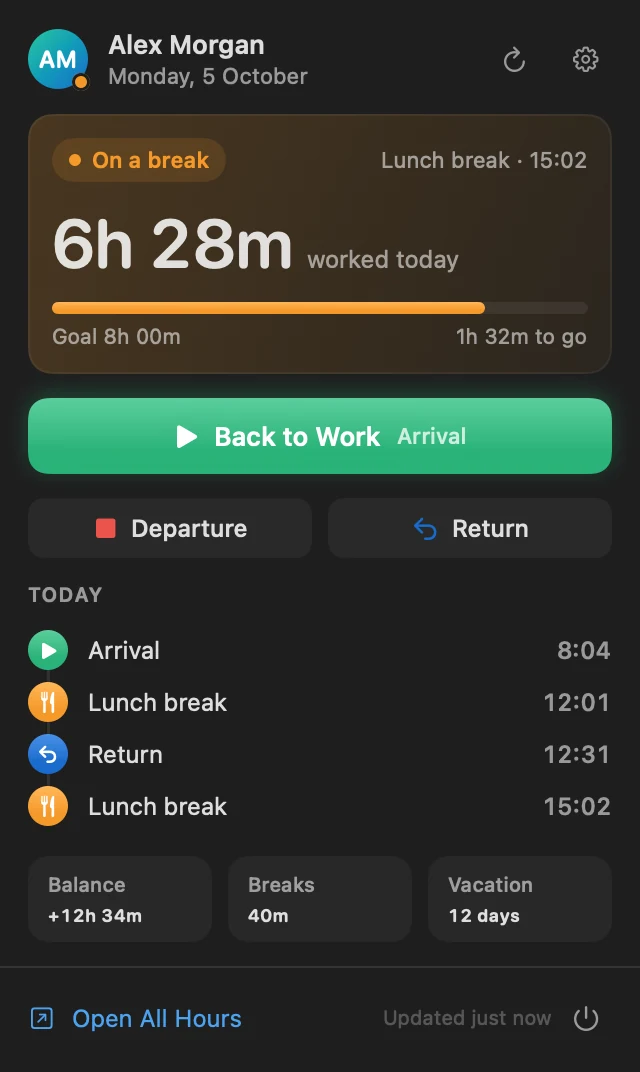
- Break
Lunch without logging in anywhere.
Breaks, business trips and working from home work the same way, and time away is kept apart from time worked.
- Glance
Your day, one click away.
The menu bar shows today’s time as it grows. Open it for every clocking, your daily goal, balance and vacation days left.
- Reminder
Still clocked in?
At the time you pick, a reminder with a Clock Out button, so you don’t leave the office on the clock.
Small on purpose.
No dashboard to learn. Your status, today’s clockings and a few settings, all native SwiftUI.
Up and running in a minute.
Download AllHoursBar.dmg and open it.
Drag All Hours Bar into Applications.
Open the app. It isn’t notarized by Apple, so macOS blocks the first launch: go to System Settings › Privacy & Security and click Open Anyway. You only do this once: updates install without it.
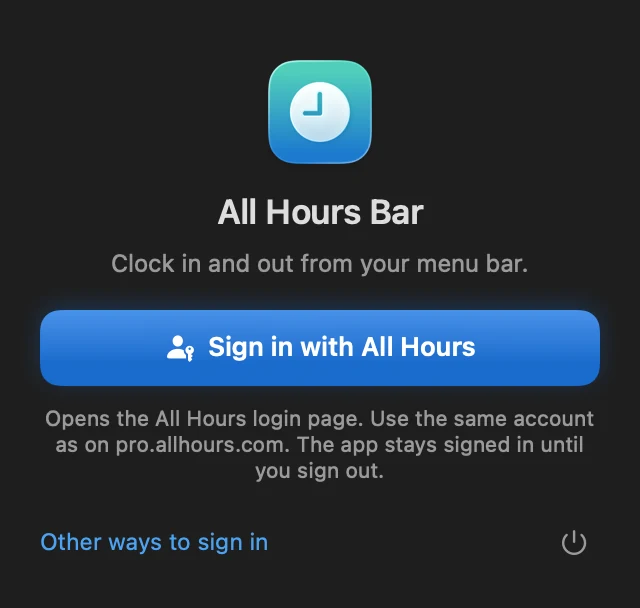
Click the clock in your menu bar and choose Sign in with All Hours.
Rather build it yourself?
$ git clone https://github.com/adnan-smlatic/allhours-bar.git
$ cd allhours-bar && ./scripts/build.sh --install
Needs Xcode 16 or newer.